Shot on iPhone — The Complete Guide
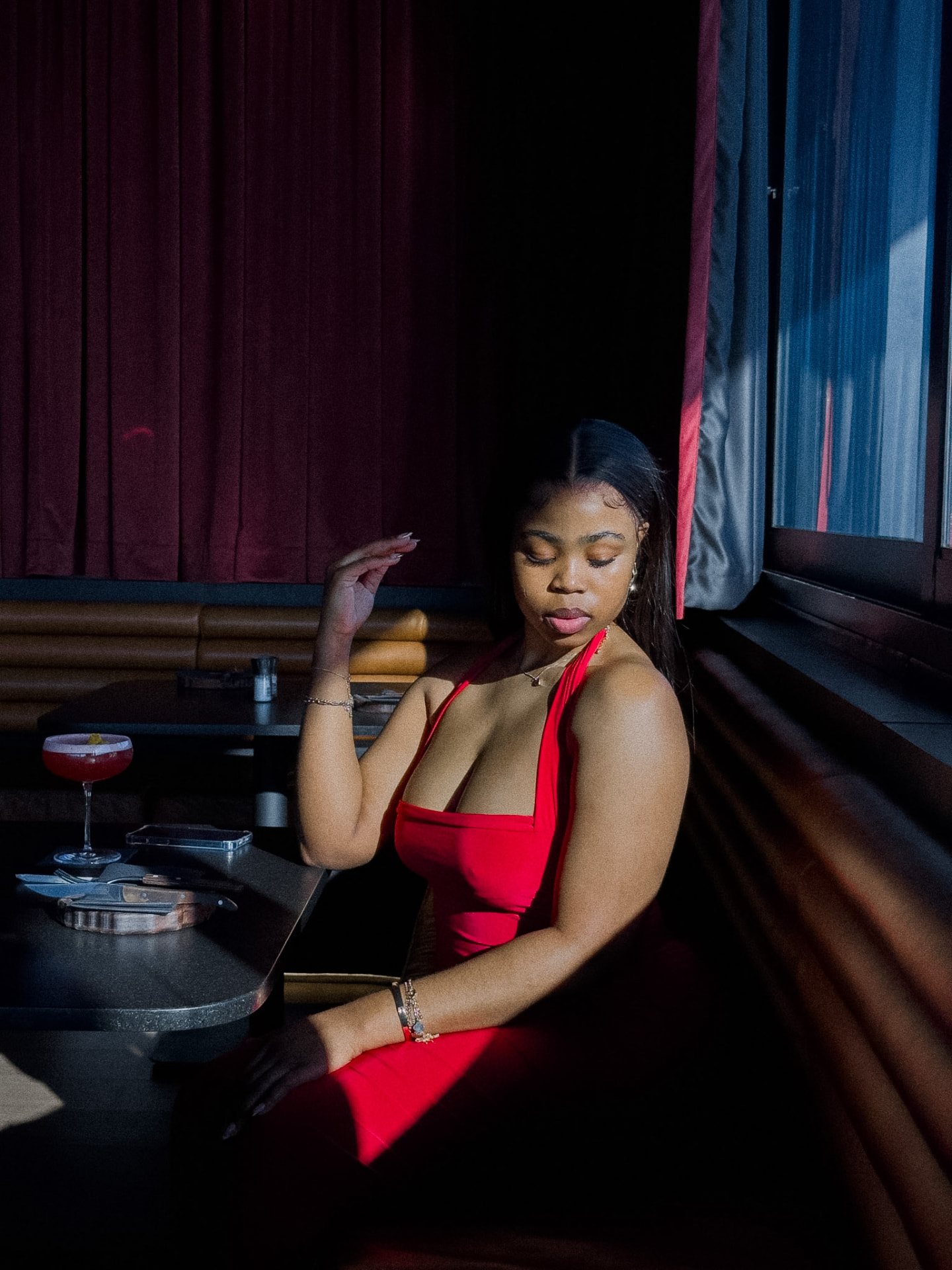


Turn the iPhone You Already Own Into a Professional Content Creation Tool.
Learn the exact step-by-step system I use to shoot, edit, and share stunning content that stands out online — using nothing but an iPhone.
Instant Digital Access · Learn at Your Own Pace

Your iPhone is capable of incredible things.
Let's discover them together.
You Have The Camera.
You Just Need The System.
“Why doesn't my content look as good as theirs when we have the same iPhone?”
“What camera settings are they using?”
“Why do my photos and videos lose quality after uploading to Instagram or TikTok?”
“How do creators get that clean, cinematic, premium aesthetic?”
If you've ever asked yourself these questions, you're not alone.
It's not the phone.
It's knowing how to use it.
Most people only use a fraction of what their iPhone camera can actually do.
That's exactly why I created Shot on iPhone — a practical, visual guide designed to help you understand your camera, improve your shooting, edit with intention, and publish your content without destroying its quality.

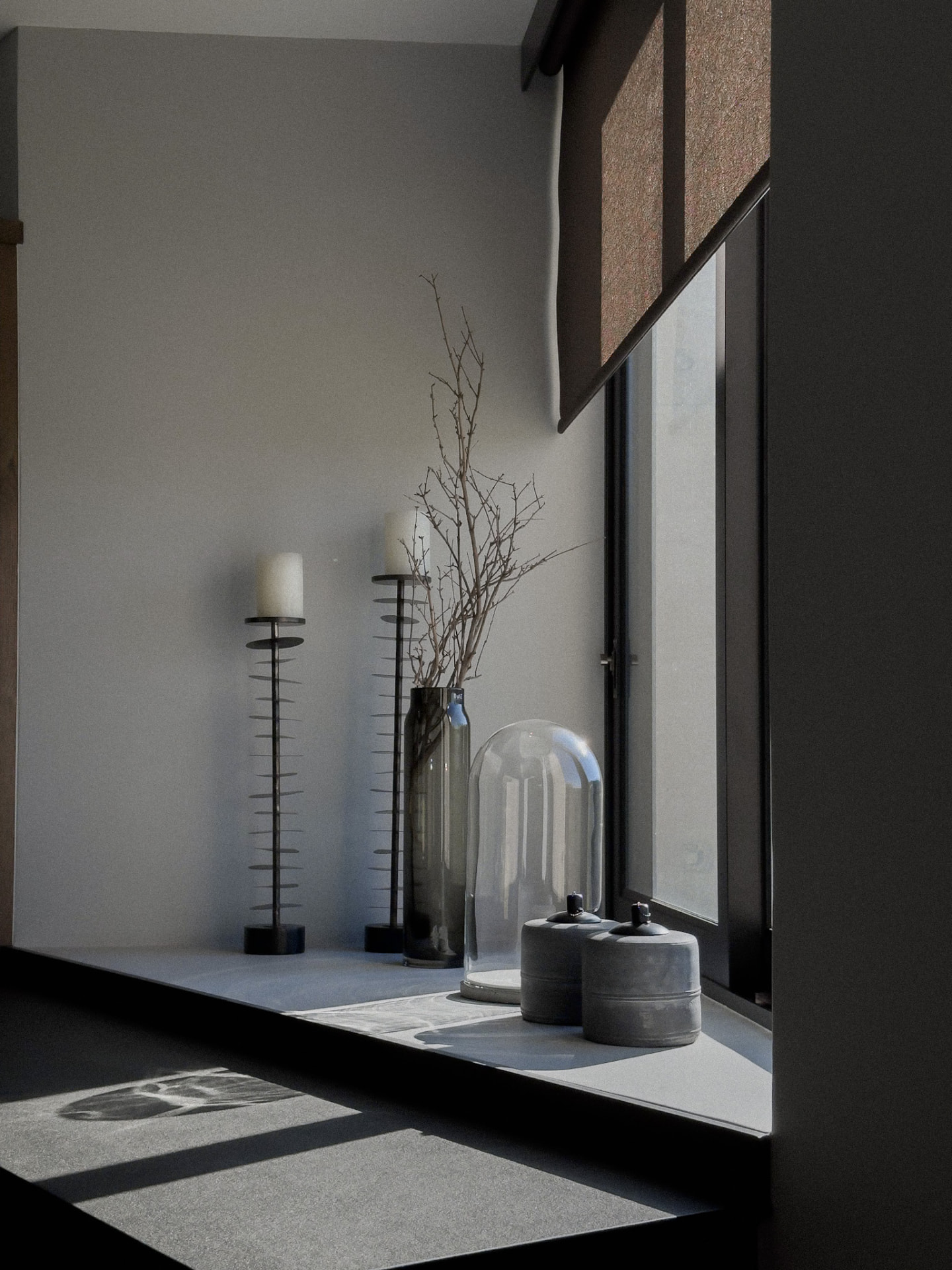
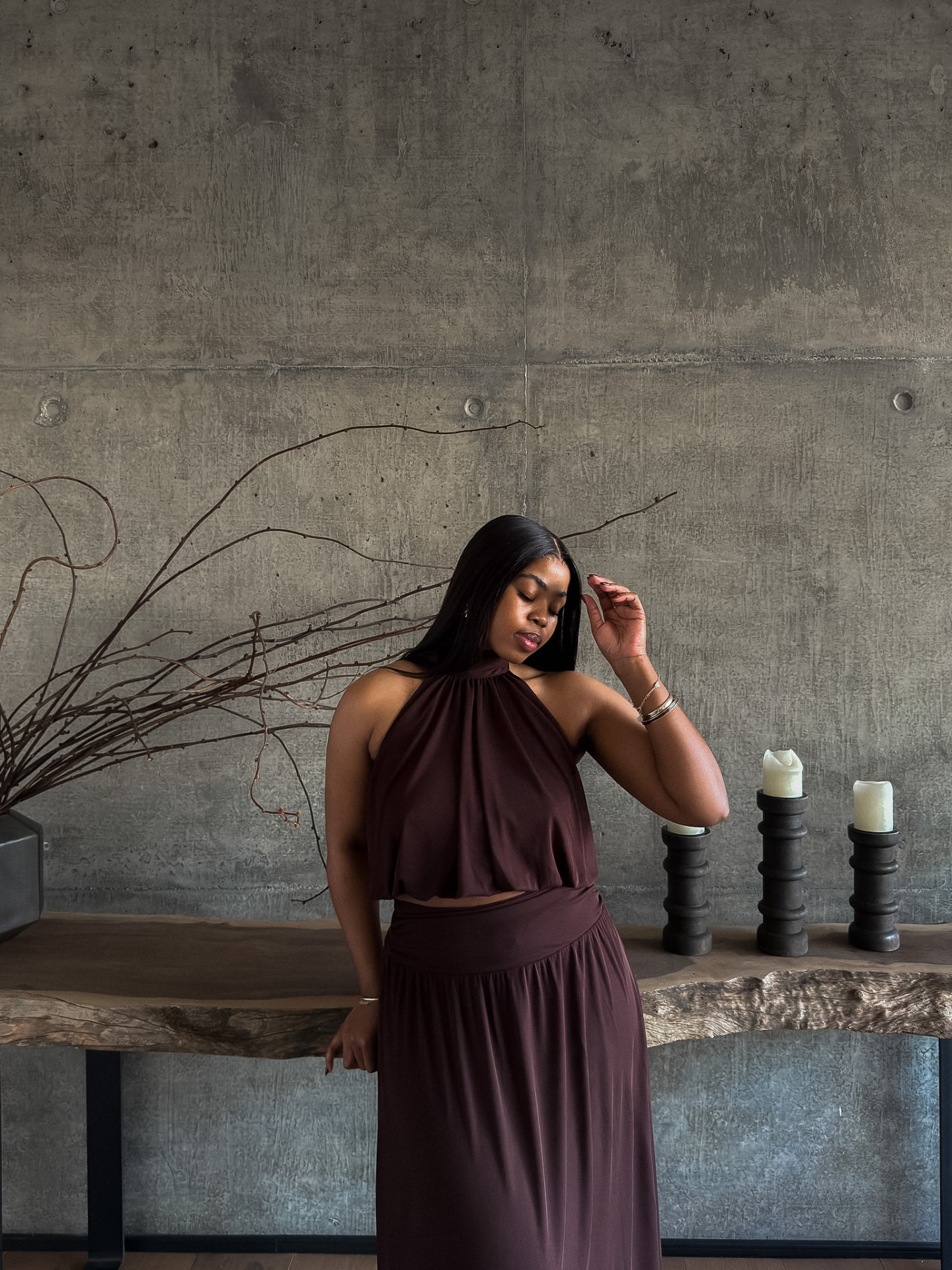
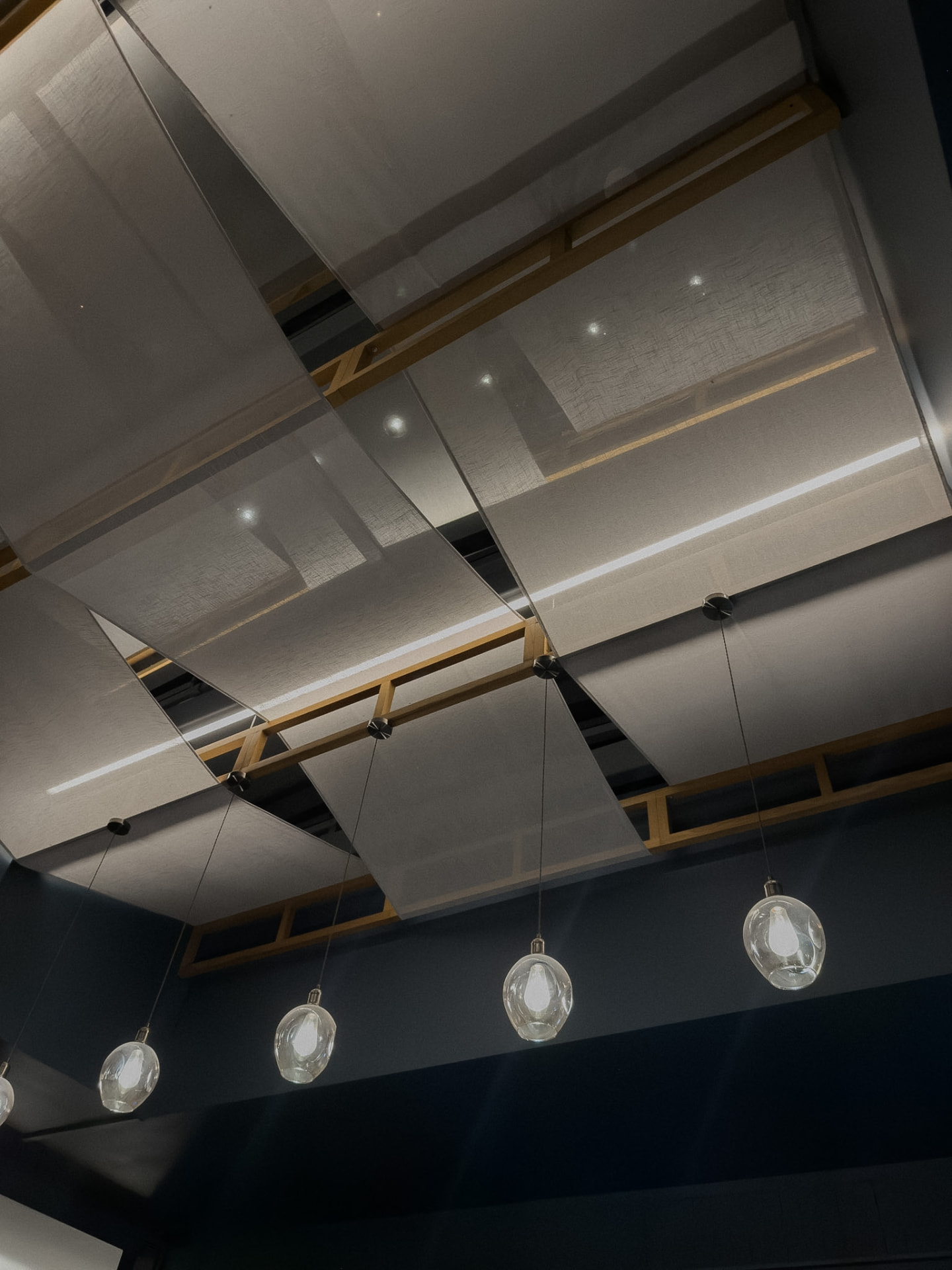

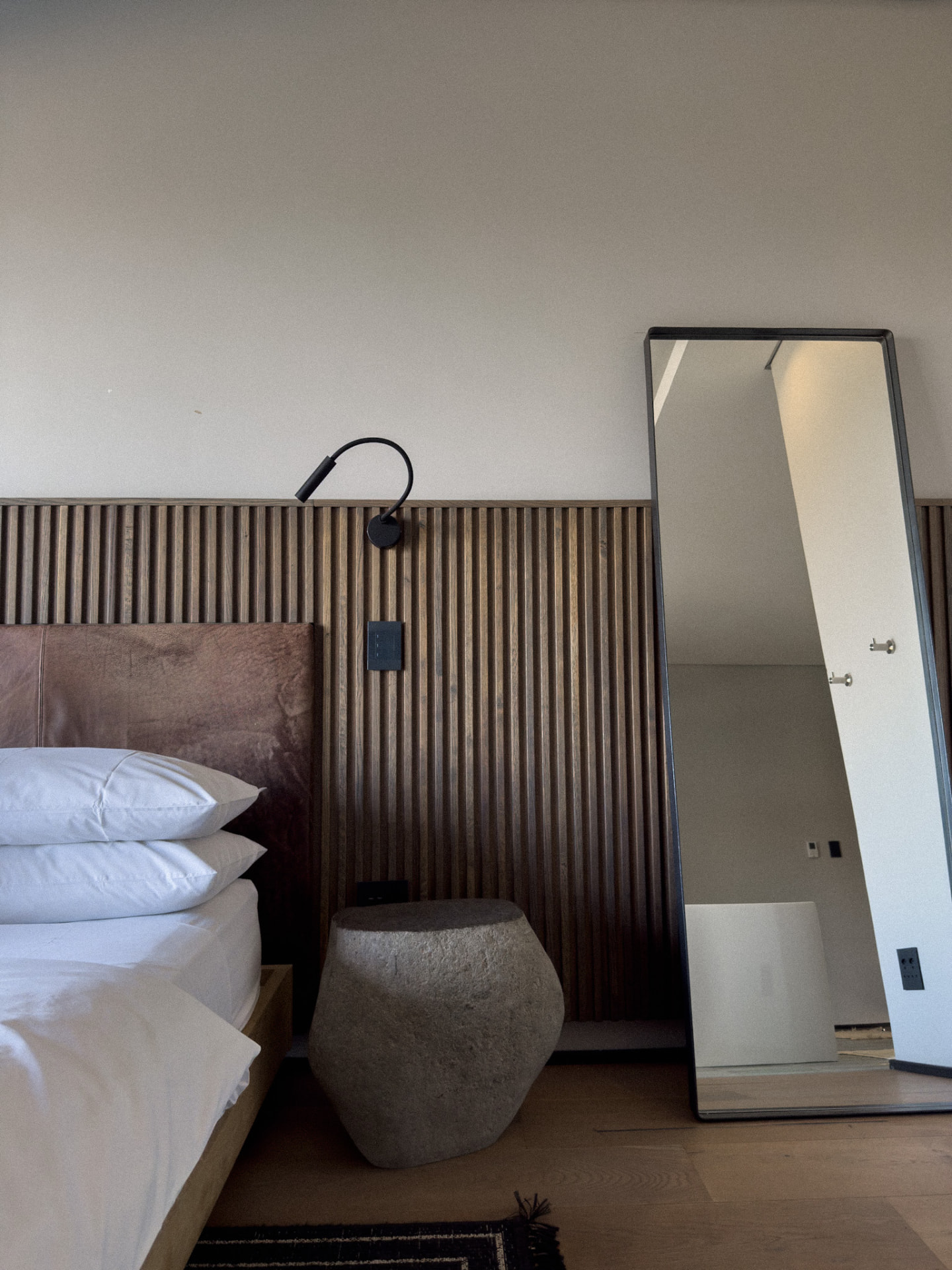
SHOT ENTIRELY ON IPHONE

Meet the Creator
Hi, I'm Austin Sambo.
I'm a passionate filmmaker and smartphone content creator who has spent years creating content for my business, brands, and personal memories using nothing but my iPhone.
Through years of shooting, editing, experimenting, making mistakes, and refining my workflow, I've learned that creating professional-looking content isn't always about having better equipment. It's about understanding the equipment you already have.
I created Shot on iPhone to simplify that process and give you the exact foundations I wish I had when I started. It's designed to simplify the process and help you unlock the full potential of your smartphone camera.
Just practical lessons you can actually use.
Who This Is For.
Content Creators
Create better photos and videos without constantly upgrading your gear.
Small Business Owners
Create professional content for your brand without needing a production team.
Micro-Influencers
Build a consistent visual identity that makes your content stand out.
Everyday Creators
Capture travel, lifestyle, memories and moments beautifully.
You don't need to be a professional photographer. You just need an iPhone and the willingness to learn.
Everything You Need To Start Creating Better Content.
Inside You'll Learn
Understand Your iPhone Camera
How each lens works, what makes them different, and when to use each one.
Master Your Camera Settings
The settings that give you the best possible photo and video quality.
Shoot Photos Like A Pro
Composition, lighting, framing, angles and perspective that instantly improve your images.
Create Cinematic Videos
Capture smoother, more intentional, cinematic-looking footage using only your iPhone.
Edit Your Photos
My complete Lightroom Mobile workflow for polished, professional images.
Edit Your Videos
My complete CapCut Mobile workflow for turning simple footage into engaging content.
Export Without Losing Quality
Export correctly so compression doesn't ruin your work.
Upload Like A Creator
The recommended upload settings for Instagram, TikTok, Facebook and YouTube.
Build Your Social Media Aesthetic
Create a consistent, premium aesthetic that makes your content instantly recognisable.
From This → To This.
Edited on Lightroom Mobile
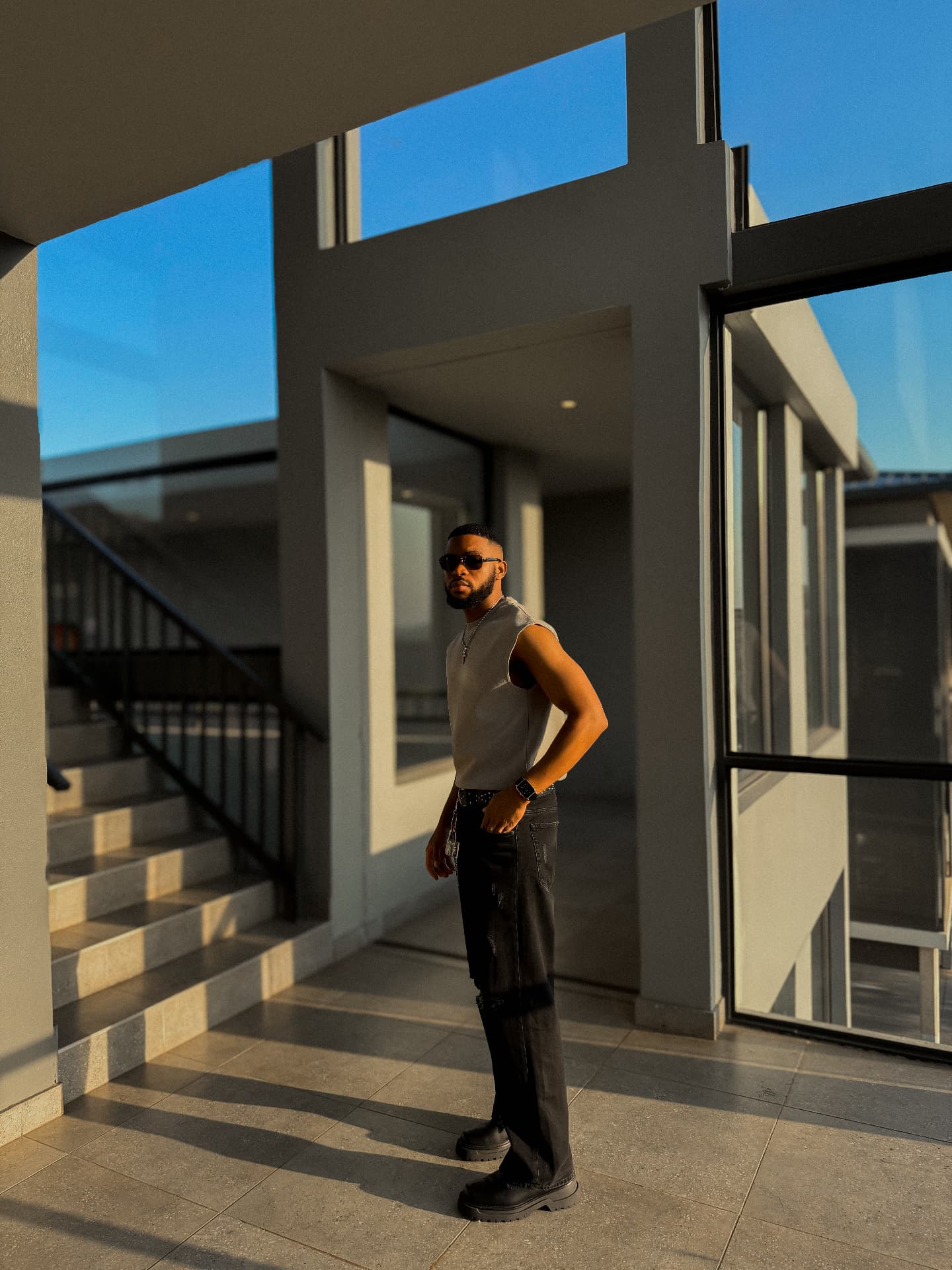
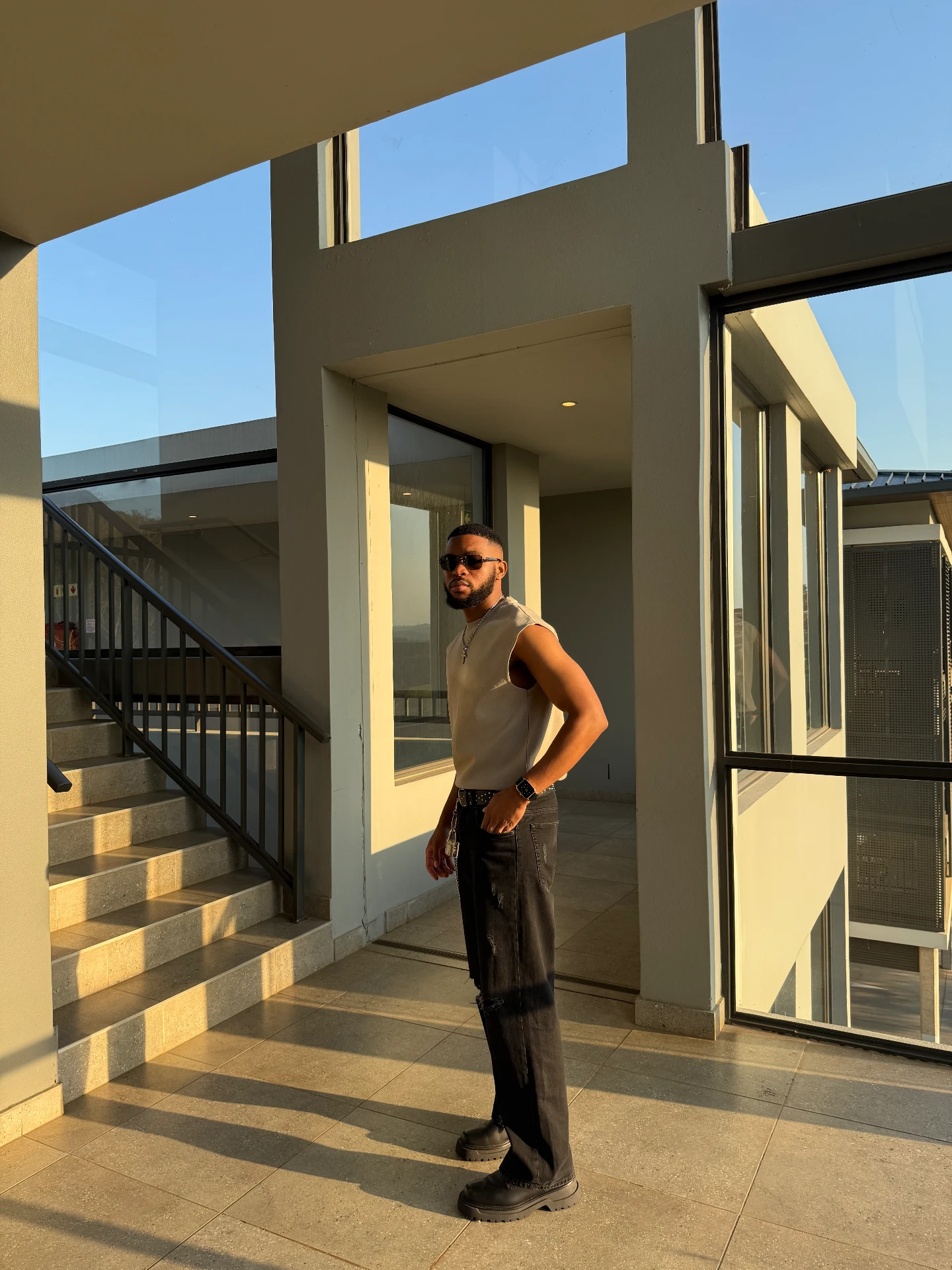 BEFOREAFTER
Raw photo → Edited final image
You Don't Need
Better Gear.
You Need Better Skills.
Your iPhone is already powerful enough.
The difference between ordinary content and exceptional content often isn't the device. It's the person behind it.
Once you understand how to use it properly, you'll never look at your smartphone camera the same way again.

Shot on iPhone
The Complete Guide
- Camera fundamentals
- Professional shooting techniques
- Camera settings
- Cinematic video
- Lightroom Mobile workflow
- CapCut Mobile workflow
- Export settings
- Social media upload settings
- Visual aesthetic system
Instant Digital Access
R499
The Library
What You'll Be Able To Create.
Tap any photo to view it full size.
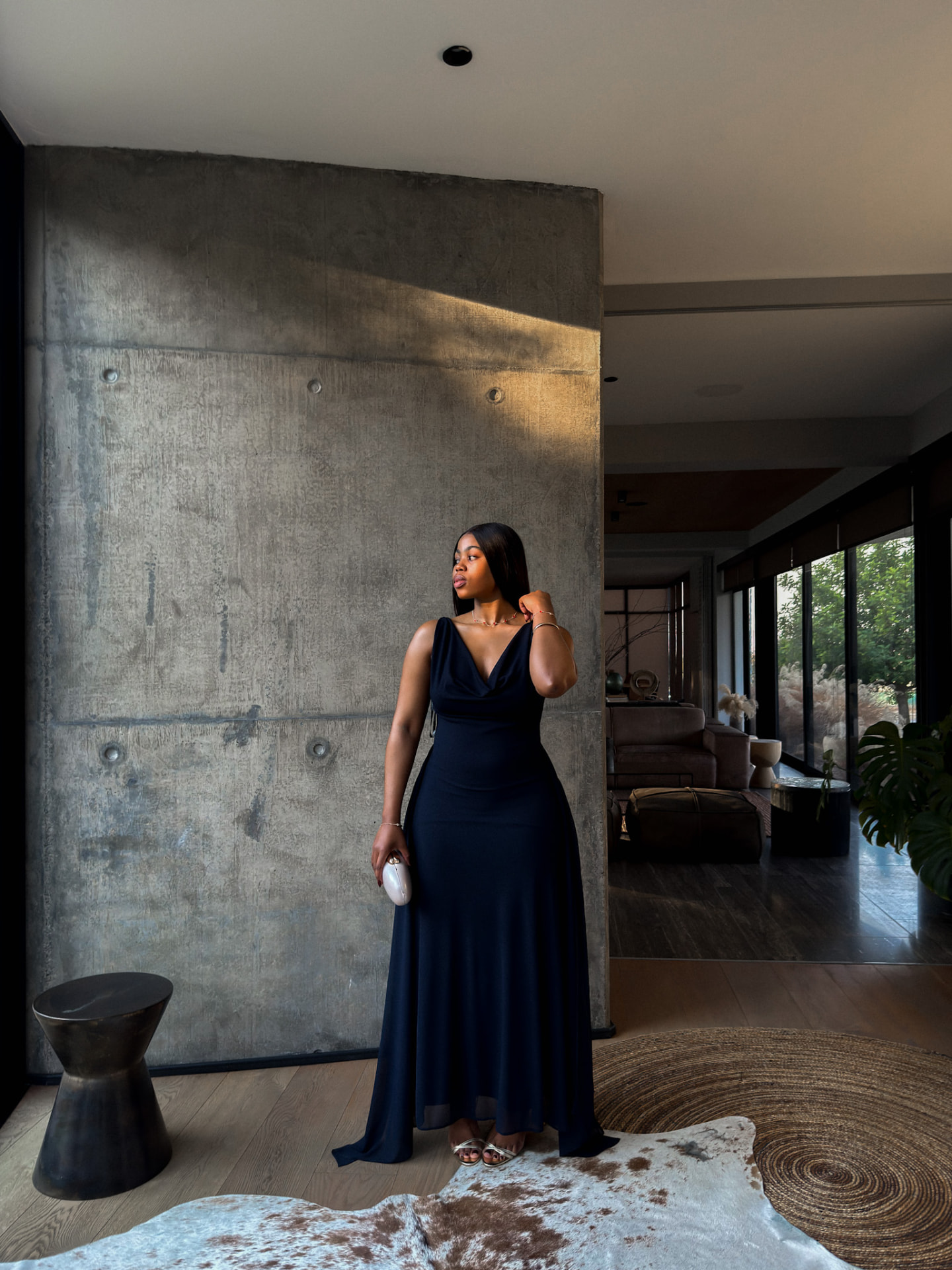
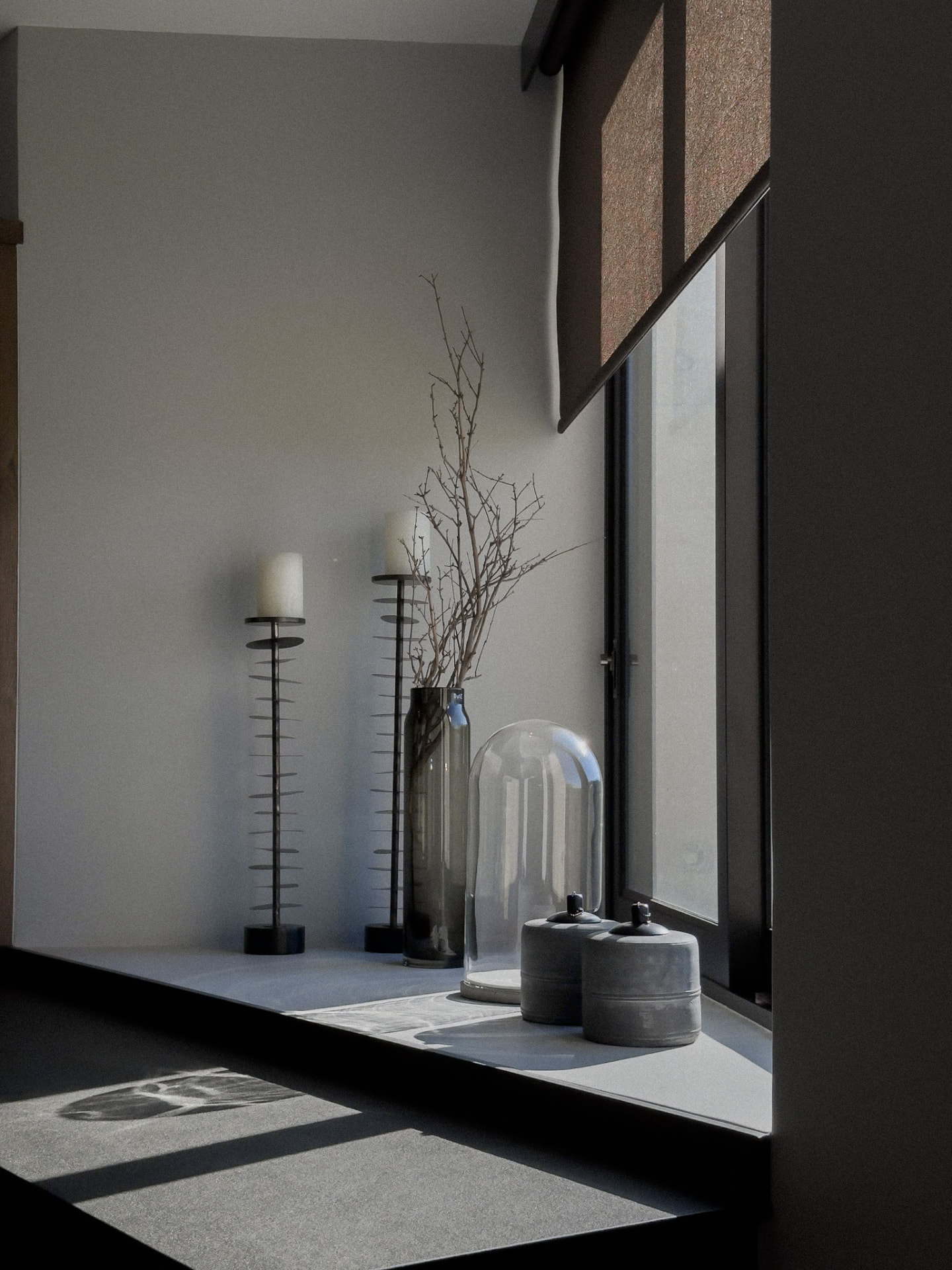
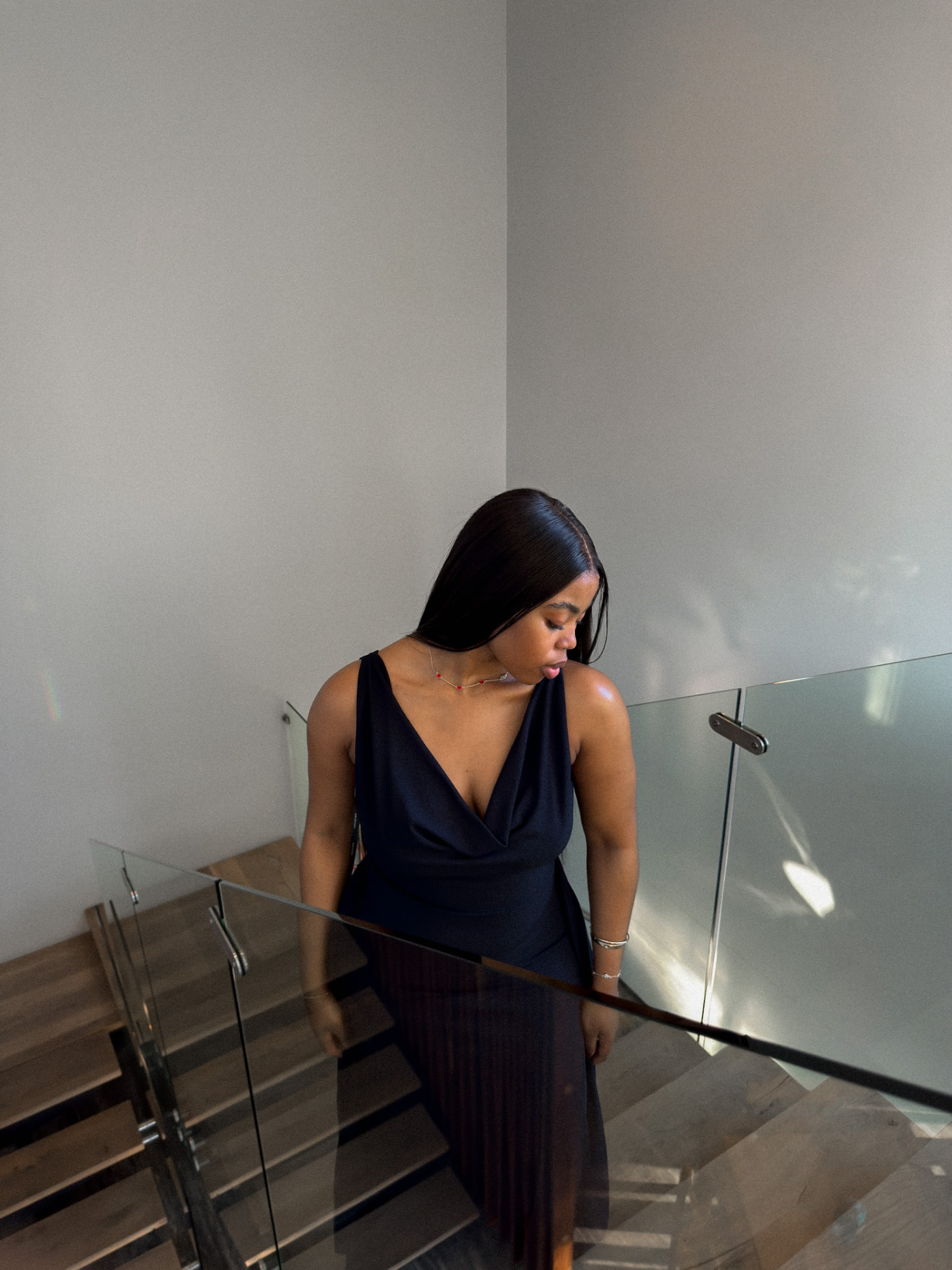
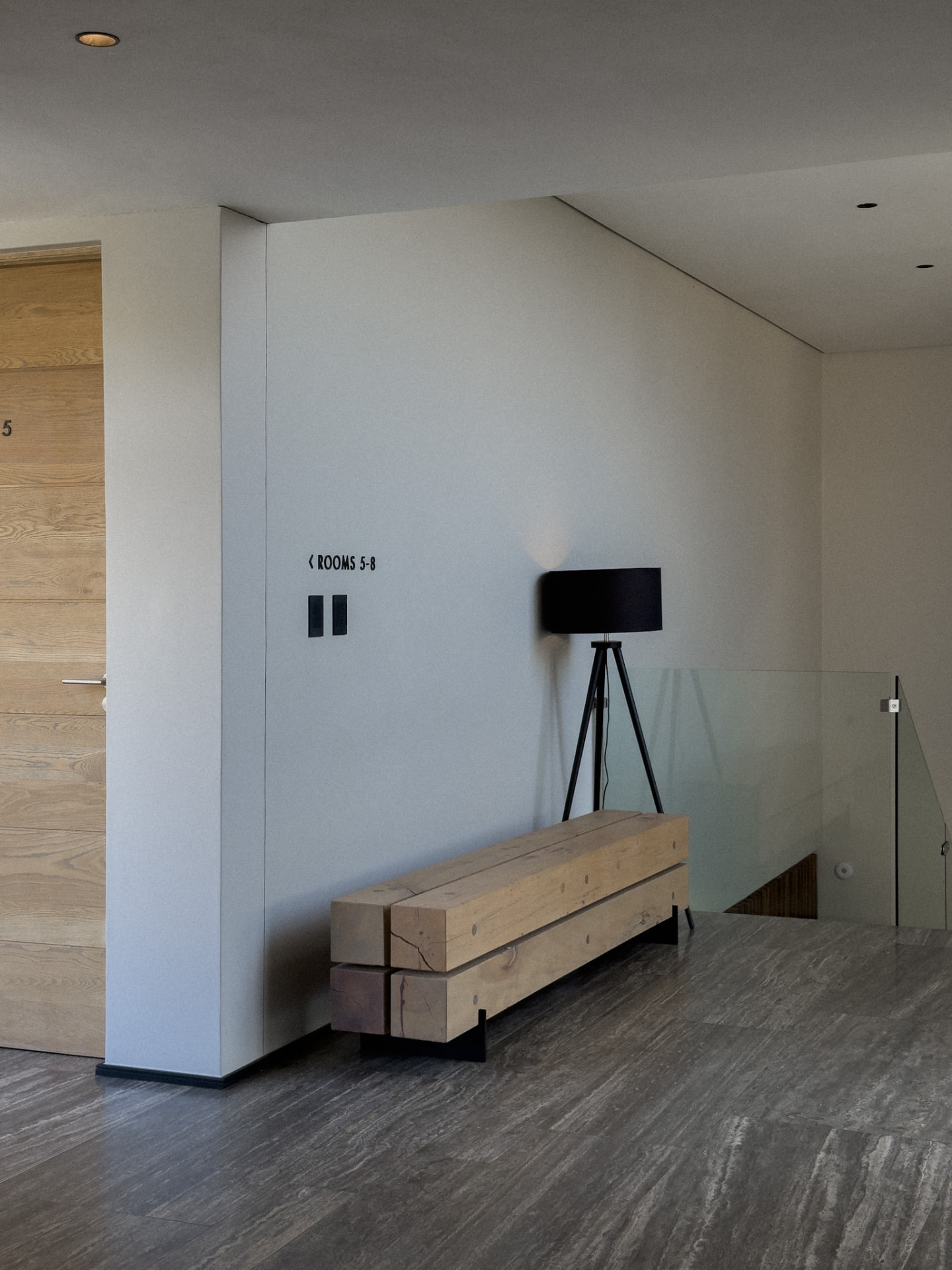
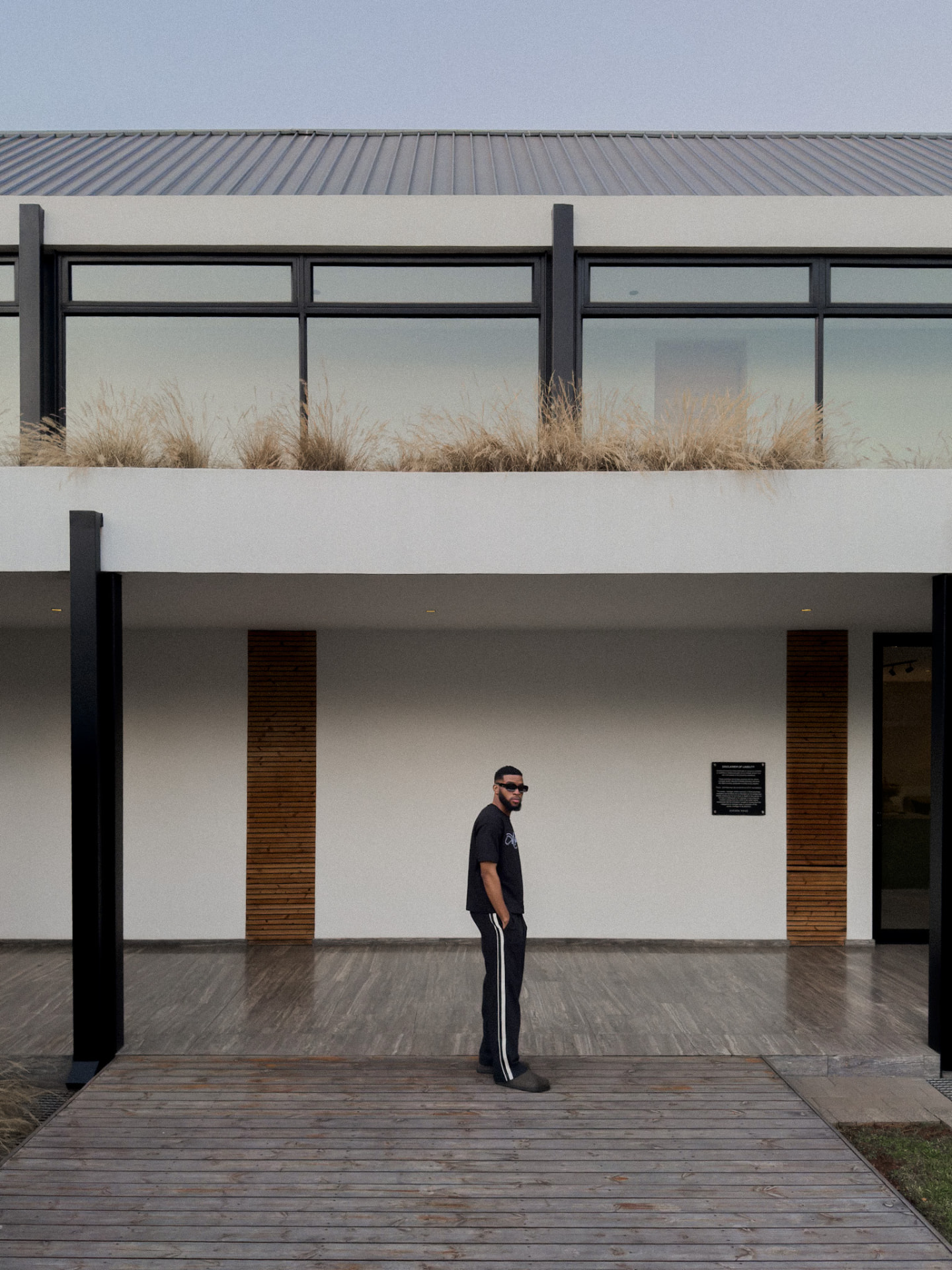
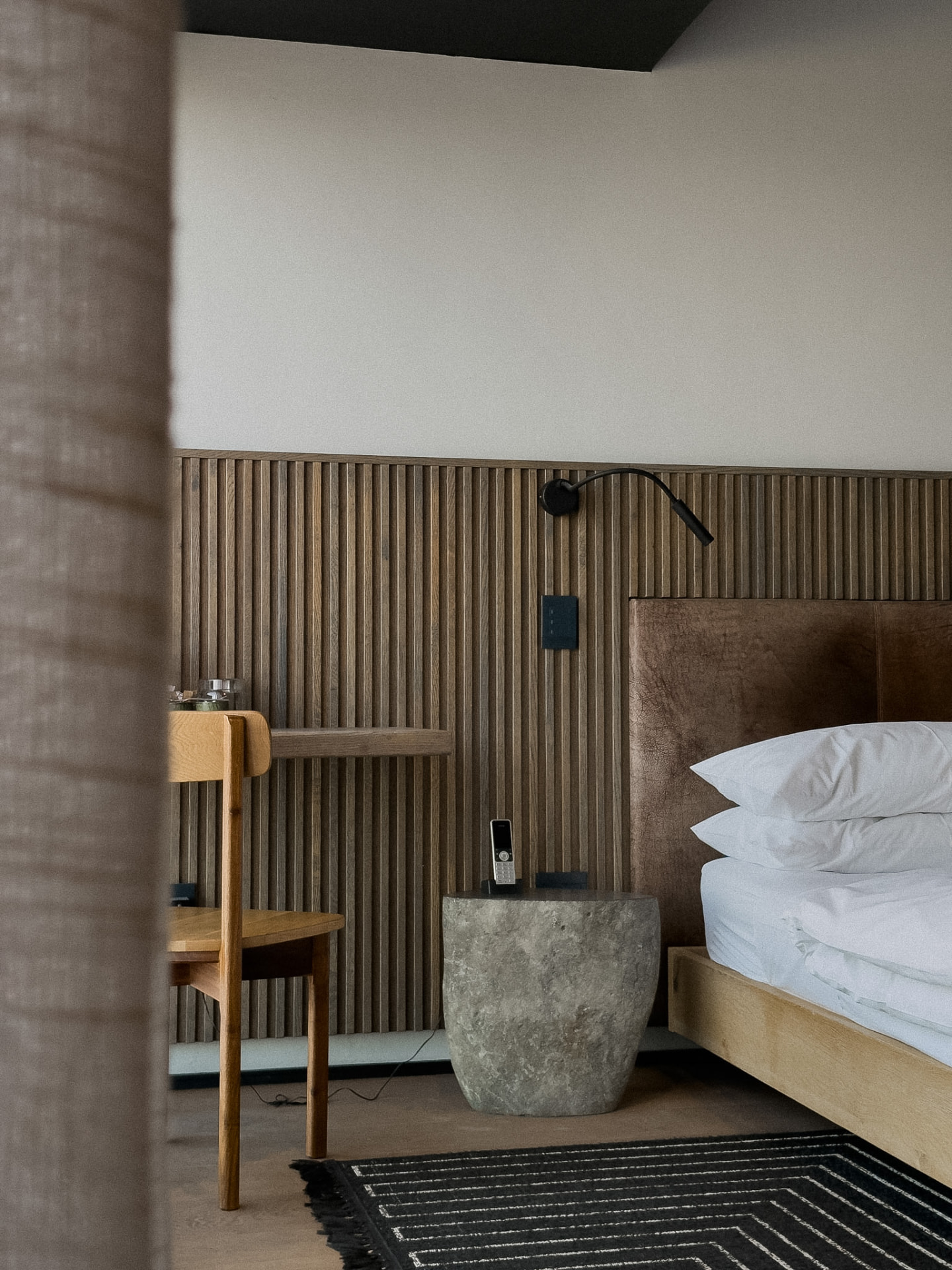
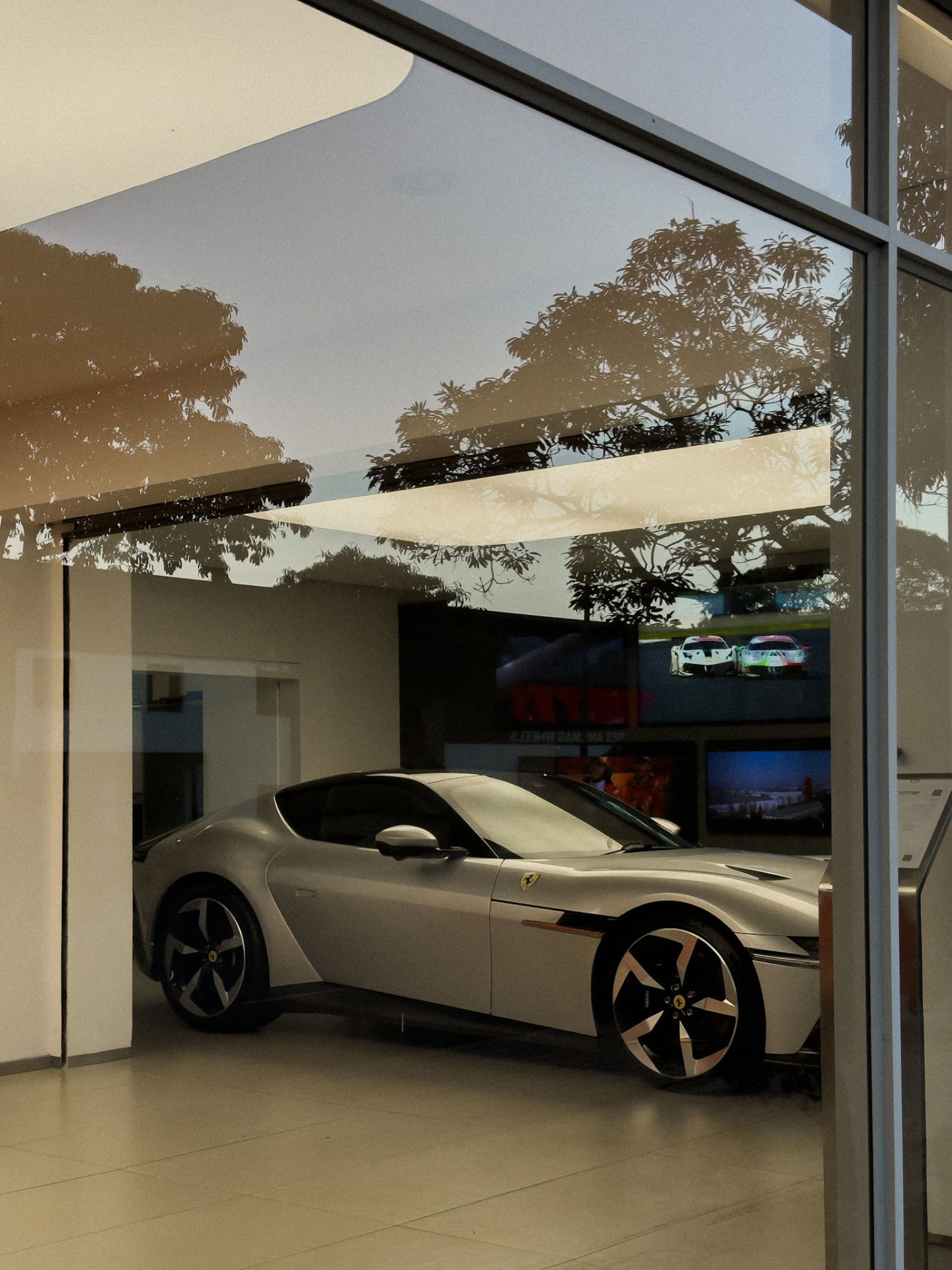


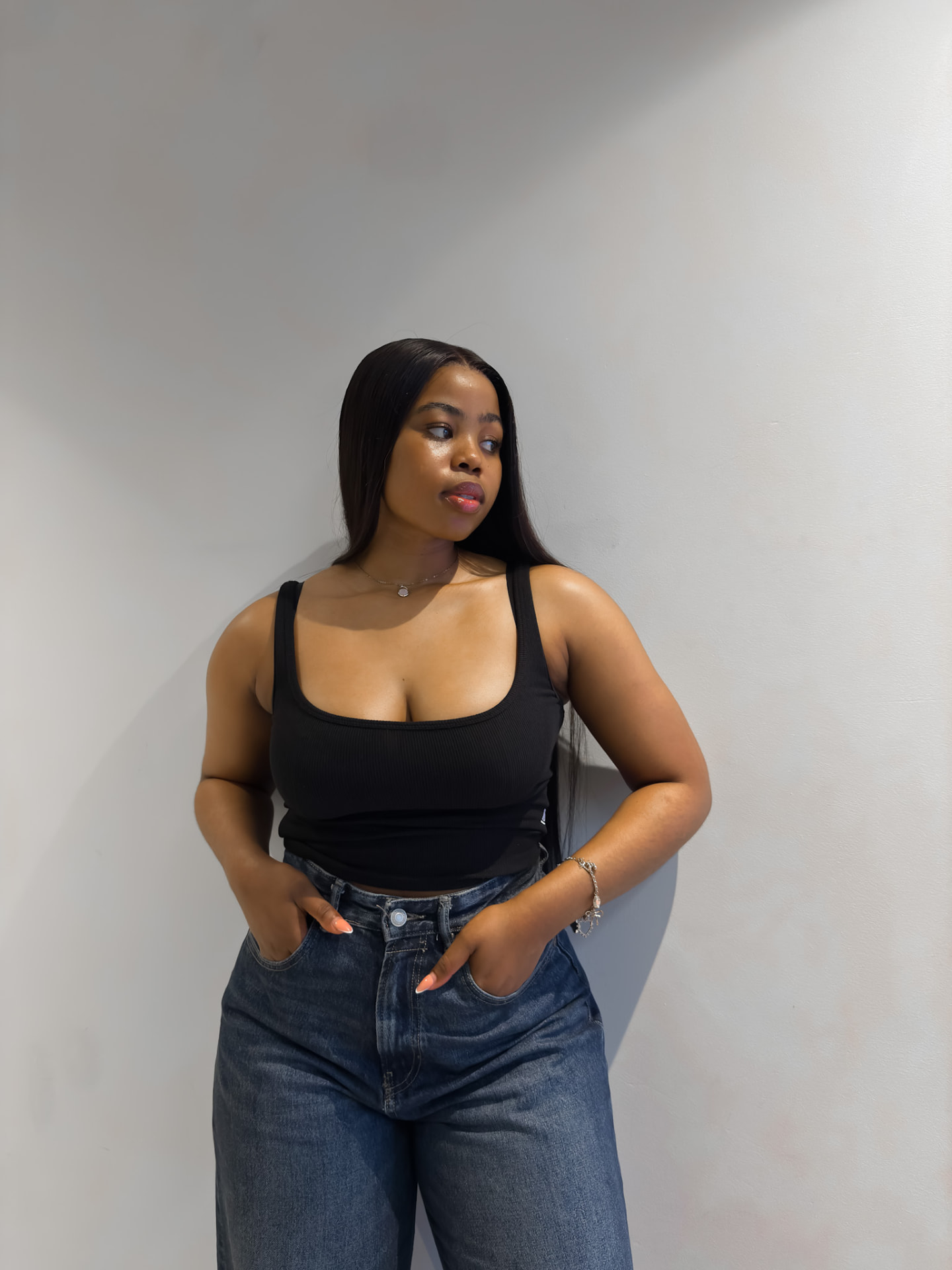
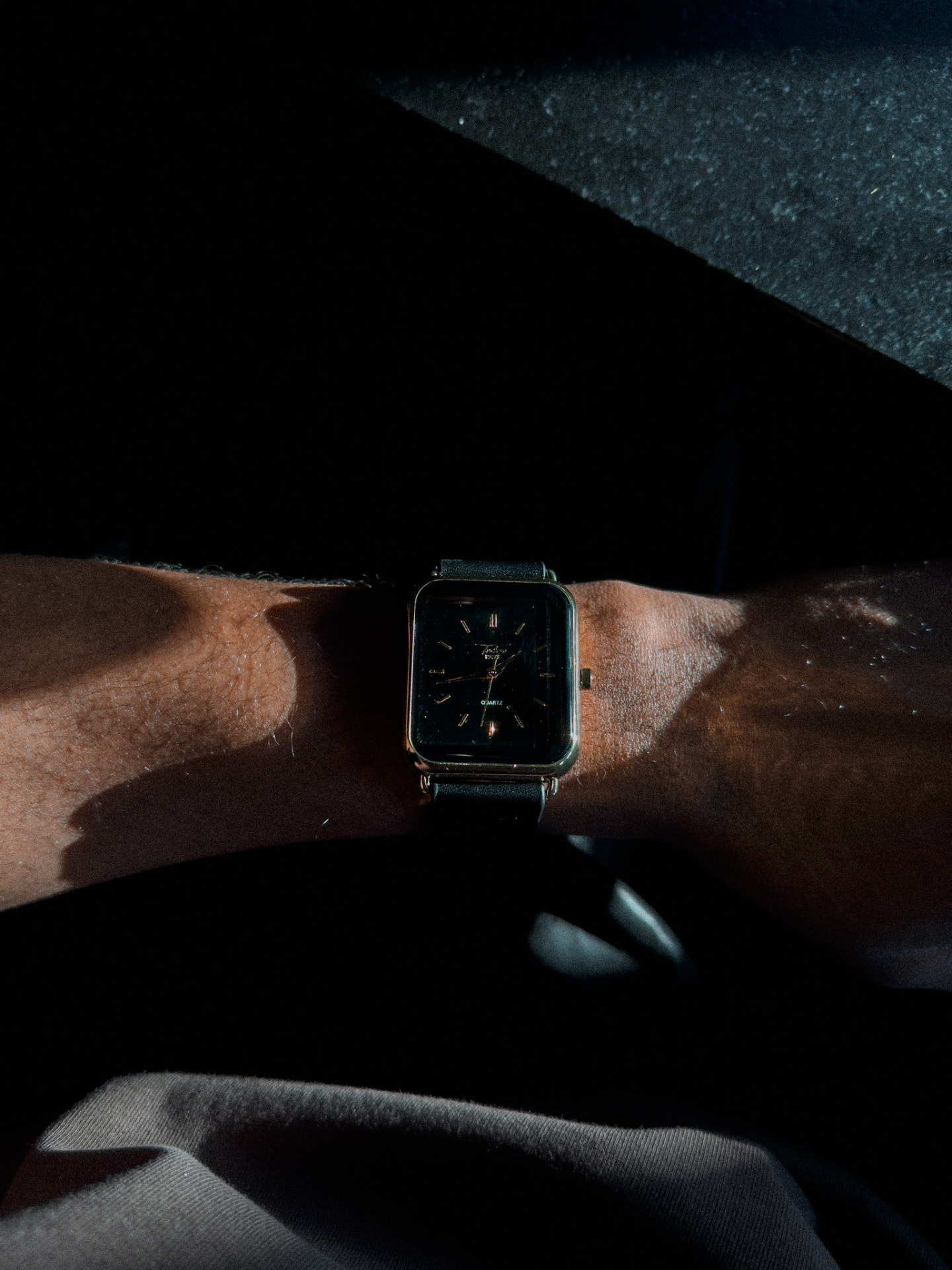
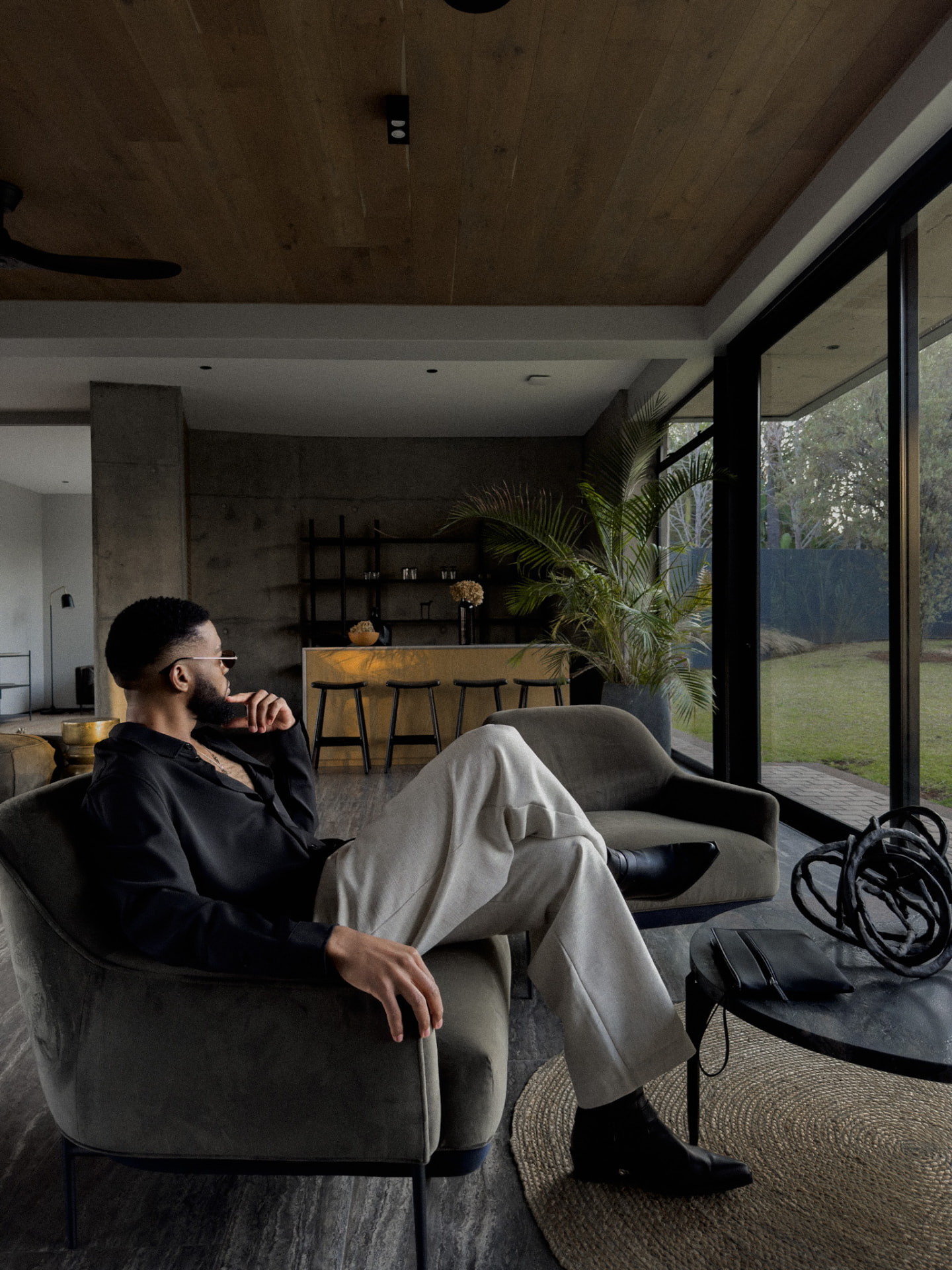
Every frame shot and edited on an iPhone.
Questions.
While the guide is demonstrated on iPhone, the shooting and editing principles — composition, lighting, color grading, and storytelling — apply to any modern smartphone. The workflows are transferable, though the specific app steps shown use iOS and iPhone-native tools.
No. The guide focuses on principles and workflows that can be applied across many recent iPhone models.
Absolutely. It's designed to take you from understanding the basics to creating polished photo and video content.
No. The entire philosophy of the guide is built around getting more from the iPhone you already own.
Not necessarily. Lightroom is the editing workflow demonstrated in the guide, but many principles can be applied to other editing apps.
No. CapCut is used for the demonstrated video workflow, but the editing principles are transferable.
No. Shot on iPhone is a digital guide you can access and learn from wherever you are.
Your iPhone Is Already In Your Pocket. It's Time To Unlock It.
Shot on iPhone
Shoot better. Edit better. Create better.